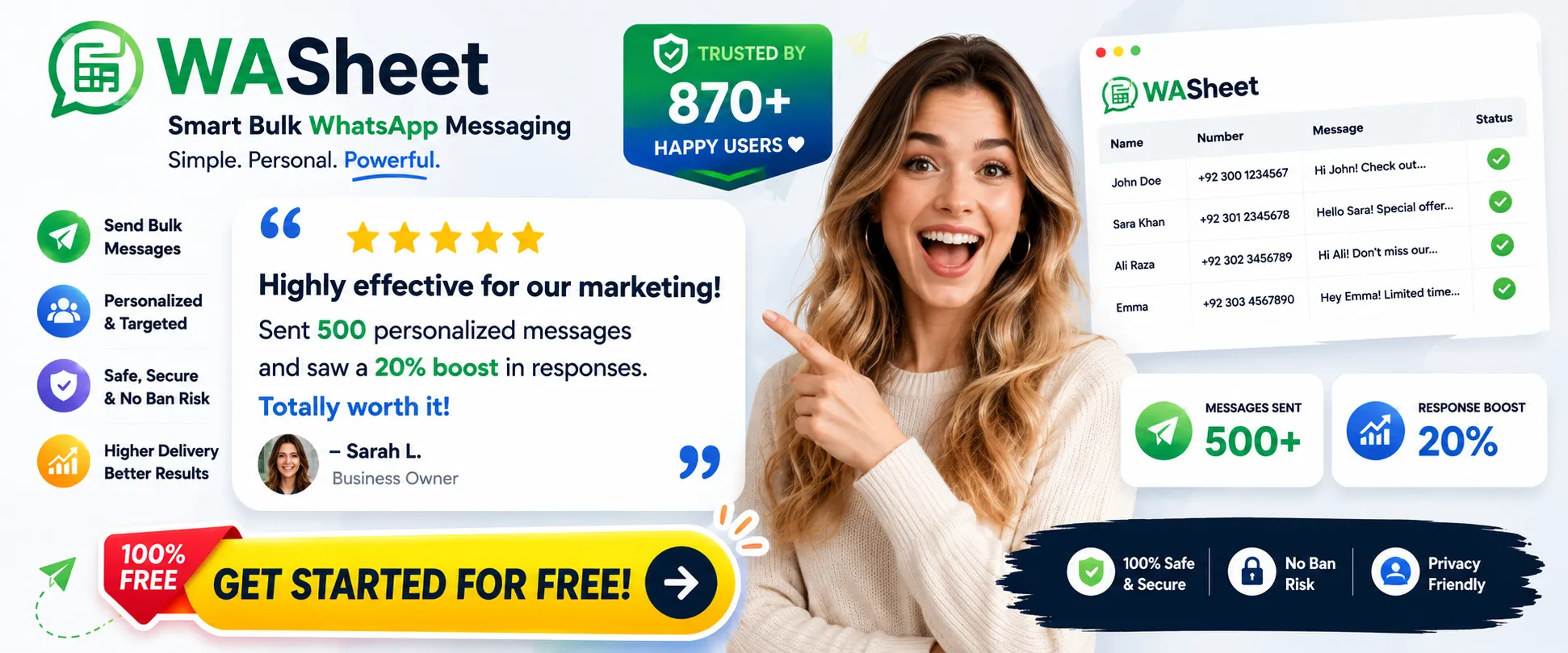
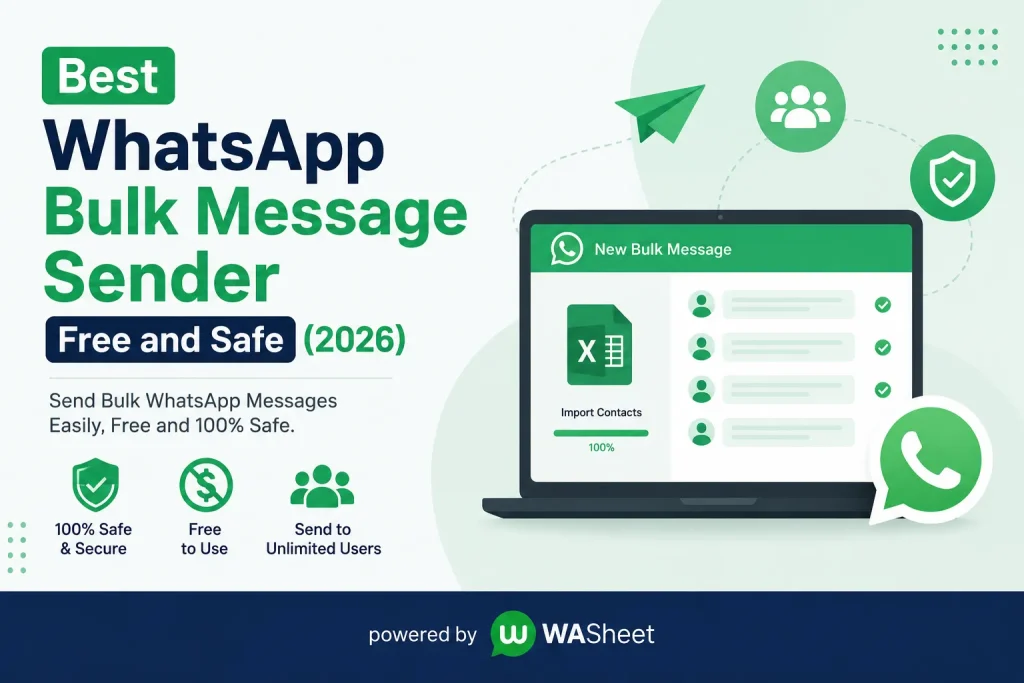
If you’re searching for a WhatsApp bulk message sender free of cost and safe to use, the short answer is: WASheet is currently one of the best options. It’s a free browser extension that lets you send bulk WhatsApp messages directly from Excel or Google Sheets, with built-in safety features like sending delays and number validation to help protect your account from bans all without needing the official WhatsApp Business API or any coding knowledge.

That’s the quick answer. Below is a full breakdown of what makes a bulk sender both free and safe, and why WASheet checks both boxes.
What Makes a WhatsApp Bulk Sender “Safe”?
Most people searching for a bulk WhatsApp tool have one worry above everything else: getting their number banned. WhatsApp actively monitors accounts for spammy behavior sending too fast, messaging unsaved numbers in bulk, or triggering multiple user reports.
A genuinely safe WhatsApp bulk sender should include:
- Randomized sending intervals so messages go out at a human-like pace instead of instantly
- Invalid number filtering, so you’re not wasting sends (or triggering flags) on numbers that aren’t even active on WhatsApp
- Personalization, since generic identical messages sent to hundreds of people are a common spam trigger
- A delivery report, so you can see what succeeded, what failed, and adjust your approach
Tools that skip these safeguards — or push you to send as fast as possible — are the ones that get accounts banned within days.
What Makes It “Free”?
Free WhatsApp bulk senders generally fall into two categories:
- API-based tools, which usually require WhatsApp Business API approval, verification, and per-message costs once you scale past a trial tier
- Browser extensions, which work through WhatsApp Web and typically offer a genuinely free tier for smaller campaigns, no API setup, and no per-message billing
For small businesses, freelancers, and marketers just getting started, browser-extension-based tools are usually the faster and cheaper way in — no waiting on API approval, no minimum spend.
Why WASheet Stands Out
WASheet is a browser extension built specifically around this combination of free access and safety-first design. Here’s what it offers:
- Send from Excel or Google Sheets — upload a spreadsheet or paste a public Google Sheets link, and WASheet reads your contact list automatically
- Anti-ban sending behavior — messages go out with spacing and pacing designed to avoid the rapid-fire pattern WhatsApp flags as spam
- Automatic number validation — WASheet checks which numbers are actually active on WhatsApp before sending, so you’re not burning sends (or risking flags) on dead numbers
- Personalized messages at scale — use variables like
{name}or{order_id}so each recipient gets a message that reads like it was written just for them - Media support — attach images, PDFs, videos, or audio alongside your text
- Delivery reports — after every campaign, download a report showing what sent successfully, what failed, and what was skipped
- No coding, no API setup — everything runs through a browser extension on top of WhatsApp Web
This combination makes WASheet a solid fit for order updates, appointment reminders, marketing campaigns, and customer support follow-ups — without the cost or approval process of the official API.
How It Works
- Install the WASheet browser extension
- Upload your Excel file or paste a Google Sheets link
- Choose or create a message template (add personalization variables if needed)
- Start your campaign, WASheet paces the sends automatically
- Download your delivery report once it’s done
The whole setup takes a few minutes, and there’s no technical background required.
Frequently Asked Questions
Is there a free WhatsApp bulk message sender?
Yes. WASheet is a free WhatsApp bulk message sender that lets you send personalized messages to multiple contacts safely, directly from Excel or Google Sheets, with no API setup or per-message charges. It includes anti-ban features like sending delays and automatic number validation, along with media support and delivery reports after every campaign.
Can I send WhatsApp bulk messages without getting banned?
Yes, if the tool paces messages naturally and filters invalid numbers instead of blasting your entire list instantly. WASheet builds this pacing and validation in by default, which significantly lowers the risk compared to tools that send everything at once.
Do I need the WhatsApp Business API to send bulk messages?
No. While the official API is one route, browser-extension tools like WASheet let you send bulk WhatsApp messages directly through WhatsApp Web, without API approval, setup, or per-message fees.
Can I personalize bulk WhatsApp messages?
Yes. WASheet supports dynamic variables like customer name, order number, or appointment date, so each recipient receives a message that looks individually written even though you only wrote it once.
Final Word
If your priority is a WhatsApp bulk message sender that’s both free and genuinely safe to use, look for pacing controls, number validation, and personalization not just raw sending speed. WASheet builds all three in by default, which is why it’s become a go-to option for small businesses and marketers who want scale without risking their WhatsApp number.